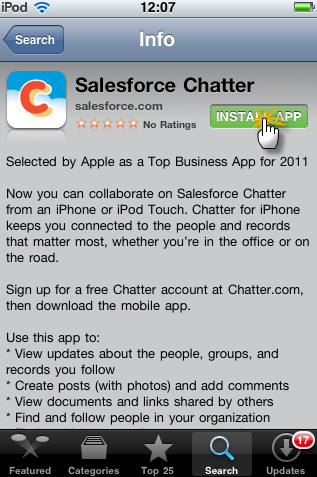
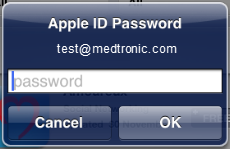
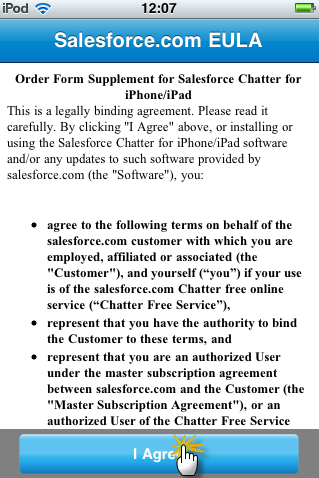
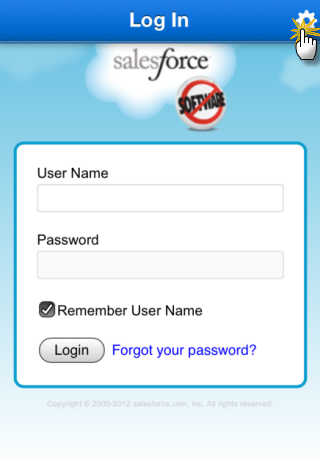
Step 5 - Install Chatter Mobile
Update 24 February 2014: Please note that Chatter for iOS (iPhone or iPad) is not available anymore. It has been replaced with Salesforce1, which contains functionalities that is not supported by IT. Eg. It is currently not recommended to use Salesforce1 to record call records.
Click on a device below to view installation instructions |
|
|
 |
|
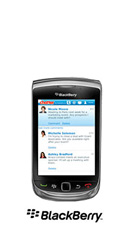 |
Install Chatter for Blackberry
Please make sure your Blackberry is running OS v.5.0 or newer.
If you were testing Chatter in April and May 2012, and have been using "Chatter for Blackberry", go straight to here to change your settings.
Check if BlackBerry App World has been installed
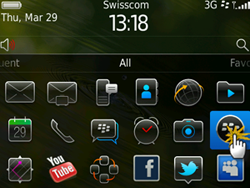
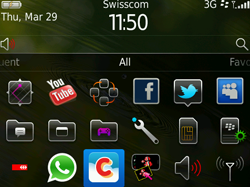
- Make sure BlackBerry App World has been installed. If you cannot find this icon
 on your BlackBerry screen, then it is not installed / the updated version is not installed.
- If you need to install / update BlackBerry App World, go to this page: http://us.BlackBerry.com/apps-software/appworld/download.jsp and enter your email address to send a link to your BlackBerry.
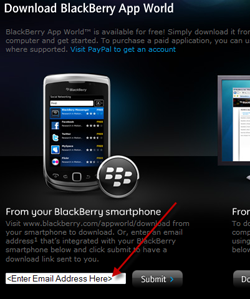
- Click on the link in the email, or click here with your Blackberry: http://mobileapps.BlackBerry.com/devicesoftware/entry.do?code=appworld
- Follow the prompt to install. If you do not have a BlackBerry ID, sign up for one.
Install Chatter for Blackberry
- Launch BlackBerry App World.
- Search for “Chatter for BlackBerry” by typing “chatter” in the search box.
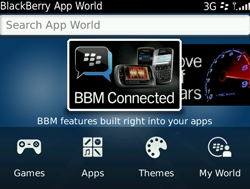
- Select “Salesforce Chatter for BlackBerry”
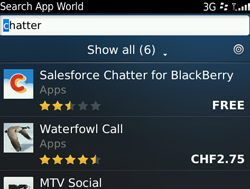
- Click the “Install” button.
Check Settings
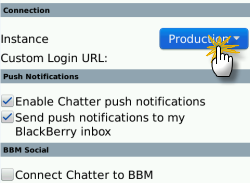
- Before launching Chatter for Blackberry, click on the "options" icon (the wrench icon).
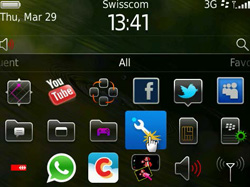
- Choose "Third Party Applications"
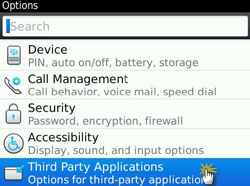
- Click "Chatter"
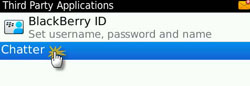
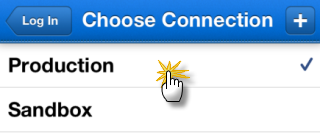
- Choose "Production" from the dropdown menu
Start Chatter for Blackberry
- To start using Chatter for BlackBerry, click on the “Chatter” icon
- Agree to the license agreement
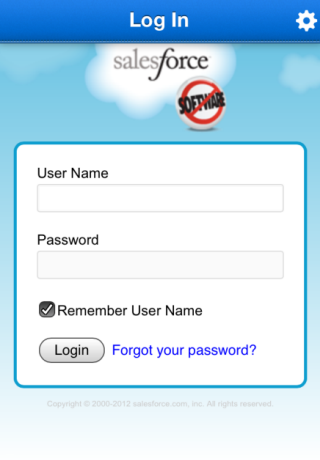
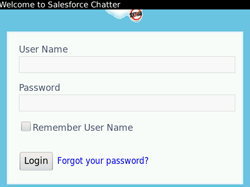
- When prompted, enter your SFDC username and password (if you reached a white screen with the word “connecting…” on it, please contact chatter.sfe@medtronic.com)
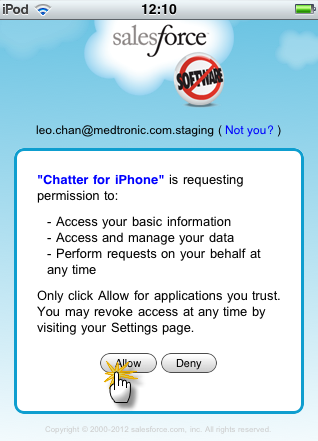
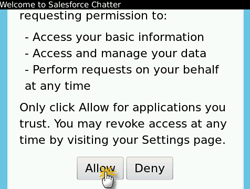
- Allow access
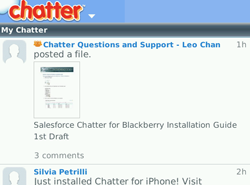
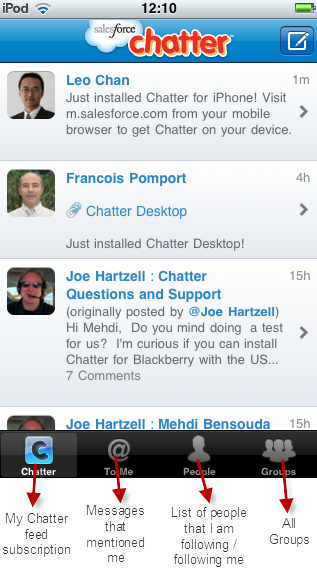
- Now you are accessing your Chatter account via BlackBerry.