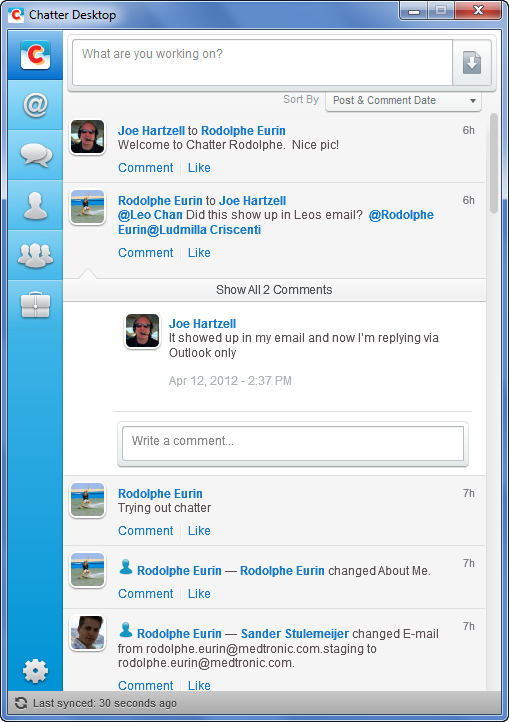
Chatter Desktop Installation Instructions
Setup "Local Admin" in Your Computer
Download Installation Instruction
If you are having trouble opening the installation file, download Adobe Air from here
If you are having trouble downloading the installation file from Salesforce.com, download Chatter Desktop from here
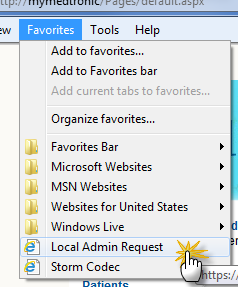
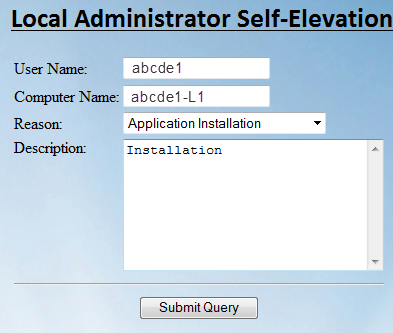
- To be able to install the application, you need to be setup as a local admin. Open Internet Explorer and click on the “Local Admin Request” bookmark.
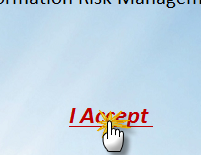
- Click "I Accept"
- Fill in the form and click the “Submit Query” button
Download "Chatter Desktop"
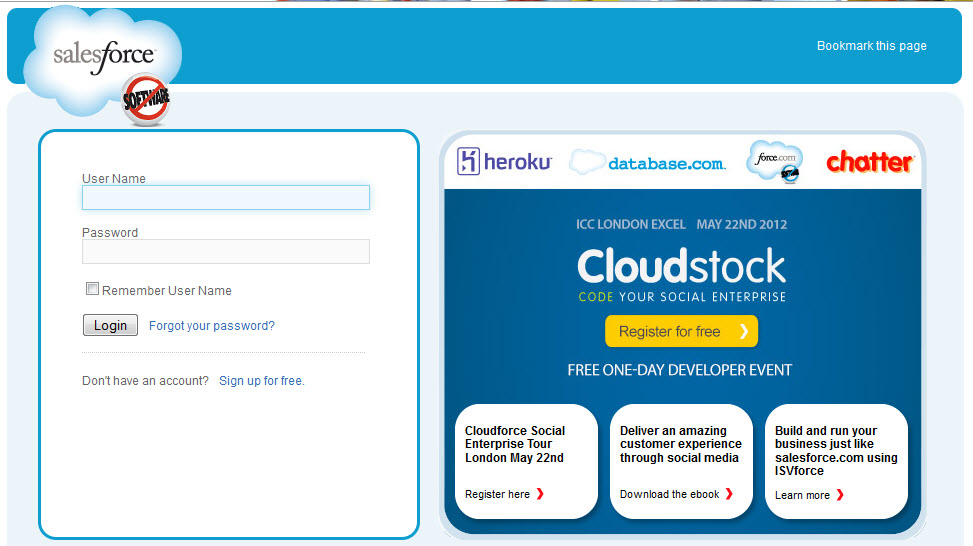
- Log into http://login.salesforce.com with your credentials.
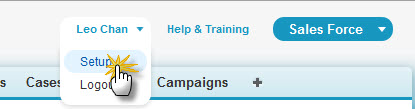
- Click on your name > “Setup” on the right-hand top corner of the page.
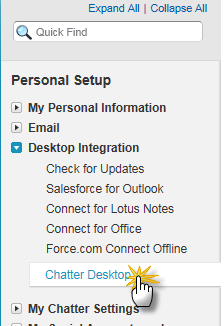
- On the left-hand column, click on “Desktop Integration” -> “Chatter Desktop”
- On the Chatter desktop page, click on the “Download Now” button.
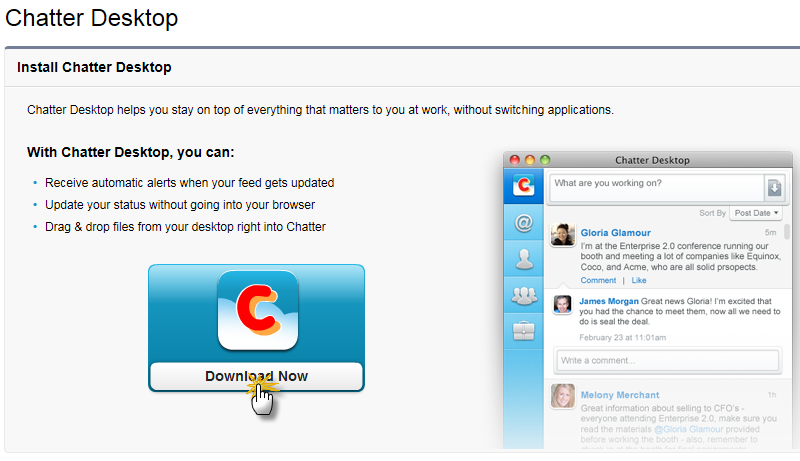
- Save the file in your computer.
Install "Chatter Desktop"
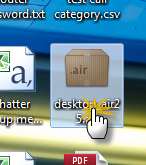
- Double click on the downloaded file to install.
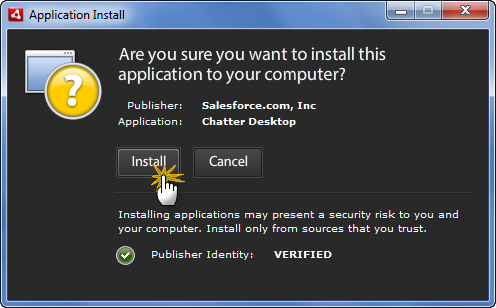
- Click “Install”
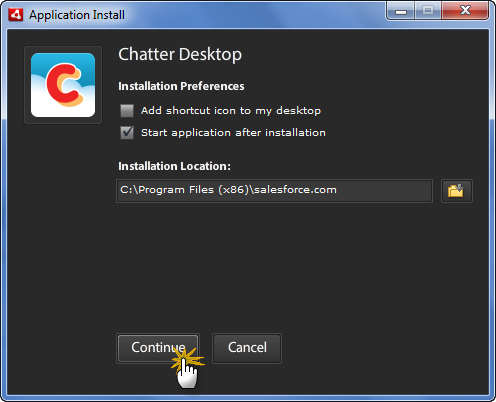
- Click “Continue”
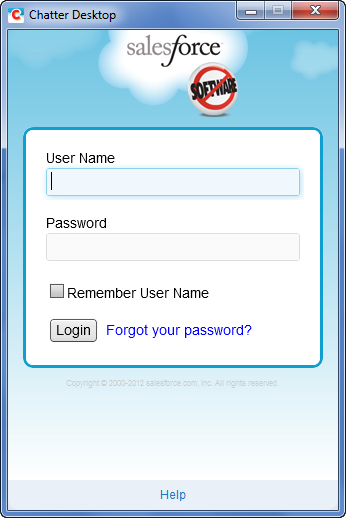
- Fill in the login credentials
- Click “Allow”
- You have now successfully installed Chatter Desktop.